

01
What this work actually involves
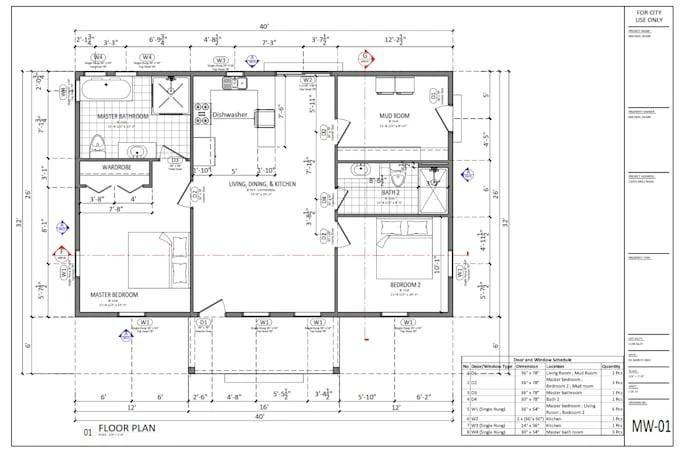
AutoCAD is used to turn design ideas into accurate technical drawings that others can understand and build from. You’ll learn how to create plans, layouts, elevations, sections and detailed drawings while developing the precision and drafting discipline expected in professional design environments.
Skills roadmap
The sequence that gets you there
02
2D Drafting
03
Layers & Annotation
04
Dimensions & Standards
05
Detailed Drawings
06
Project-Based Drafting
07
Portfolio Projects
Roles
Roles this leads to
| Role | What you would do |
|---|---|
| CAD Drafter | Create accurate 2D drawings from design concepts and specifications |
| AutoCAD Designer | Develop layouts, drawings and technical documentation using AutoCAD |
| Drafting Engineer | Prepare detailed engineering drawings for project and manufacturing teams |
| Architectural Drafter | Create plans, elevations, sections and other architectural drawings |
| CAD Technician | Support design teams with drawing production, revisions and documentation |
From learning to job readiness
At CADD Centre Chhattarpur, the focus is not just on learning software. You’ll practise the skills used in real design workflows, work on projects, build a portfolio and develop the confidence to explain your work in an interview.
Skills Driven. Job Led.
Frequently asked questions
Do I need previous experience?
The centre will guide you to the appropriate level based on your background.
What are the fees and duration?
These are confirmed at counselling for your selected course and level.
Can I visit before enrolling?
Yes. Call 9999511179 or send a WhatsApp message to arrange a centre visit.